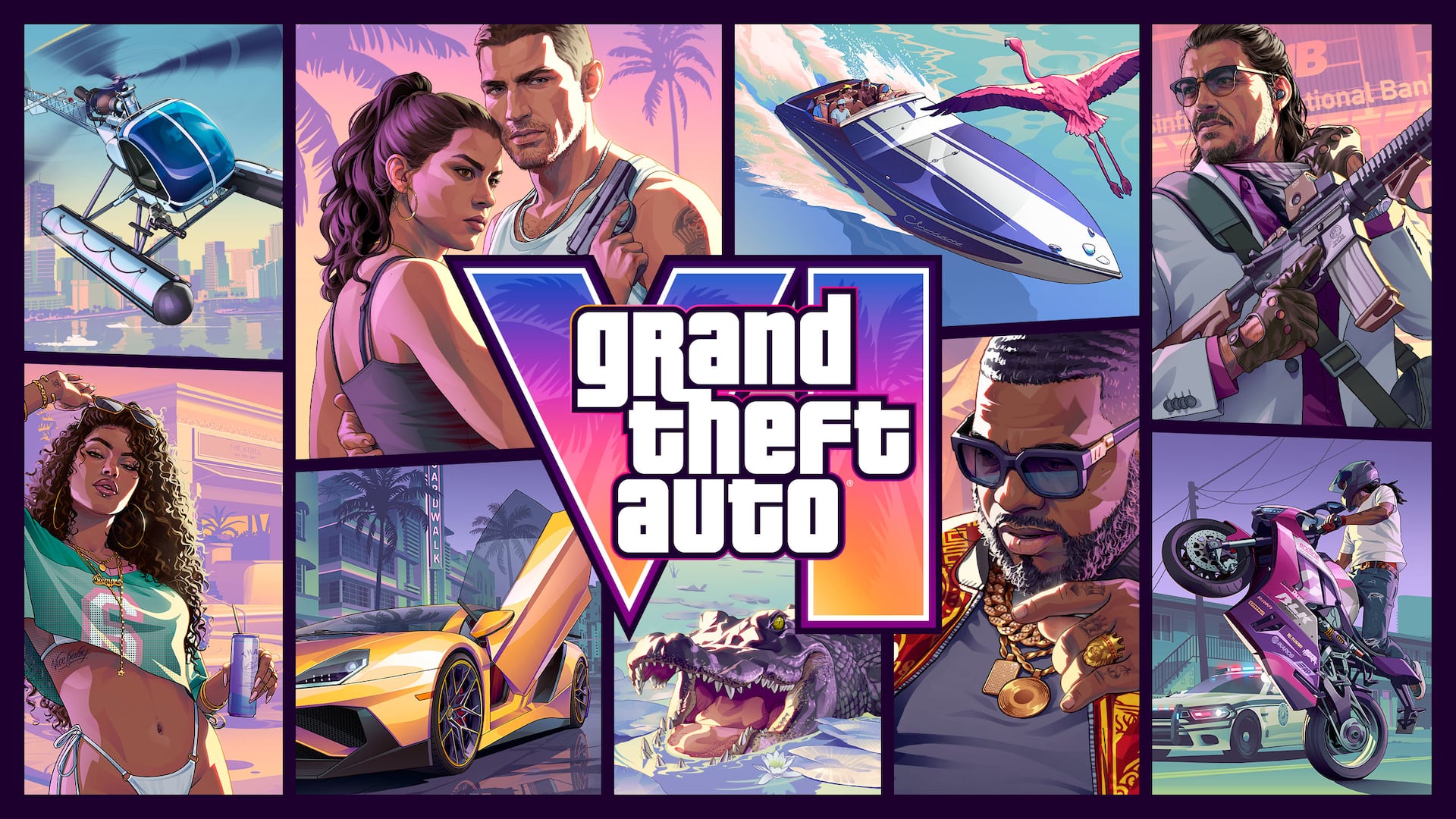
GTA VI / XBOX GUIDE HUB
GTA 6 ON XBOX.
START HERE.
Find the right way to play on your Xbox.
Play locally on Series X|S. Explore eligible cloud play on Xbox One. Get clear setup advice, official game imagery and spoiler-light guides.
Explore Xbox guidesOfficial artwork: Rockstar Games. Independent coverage.
01 / GET INTO THE GAME
Your Xbox. Your starting point.
Practical answers before you buy,
download or start streaming.
 START HERE
Can your Xbox play GTA 6?
Pick your console and find the right local or cloud route.
 SERIES X|S
Your first-session checklist
Account, install, display and comfort settings before you begin.
BUYING GUIDEStandard or Ultimate?
Compare the purchase, upgrade and code-in-box details.
 XBOX ONE
Understand the cloud route
What works remotely, and what to check before spending.
 STORAGE
Make room for Leonida
Check the actual install size and manage your download.
 GAME PASS
Access is not ownership
Separate the game license, subscription and cloud playtime.
NO FREE DOWNLOADFree download? No.
What those “free GTA 6” pages really are, and the check to run first.
FIXESIt won't start
Cloud button missing, a lagging stream, a stuck install.
02 / PICK YOUR ROUTE
Which Xbox can run GTA 6?
Four console families,
four different answers.
| Your console | GTA 6 route | What you need first |
|---|---|---|
| Xbox Series X | Native install | Game purchase and free storage space |
| Xbox Series S | Native install, digital edition only | Digital purchase; no disc drive |
| Xbox One, One S, One X | Cloud streaming only, no native install | Game purchase plus eligible cloud access |
| Xbox 360 | Not supported | Nothing to buy for this console |
Access is not ownership: cloud playtime does not include the game. See how the two are separated
First-session checklist
- Check the edition on the account you’ll use.
- On Series X|S, compare the installation size with your free storage.
- On Xbox One, check cloud access and playtime in your region.
Before you buy for an Xbox One
Check the model name in your console settings. One S and One X are Xbox One systems, even if the shop listing also contains the words Series S or Series X. Sign in with the account you plan to use, open the game’s cloud listing and look for a play option available in your market. Check the game purchase and the cloud playtime or access separately. If the listing only offers an installation on Series consoles, stop there and check your eligibility before paying.
When cloud play feels slow
Try the controller in the console menus first. If the menus respond promptly but steering or camera movement feels delayed during a stream, pause household downloads and try a wired network connection. Repeat the same movement in the same part of the game. A blurry image during motion and a button that responds late are different symptoms. Record which one changes before adjusting anything else. A download speed alone cannot tell you how the session will feel.
Choose between Series S and Series X
Both models offer a local installation. On a Series S, check the digital license and the available space before buying. On a Series X, check the exact hardware and what the retailer puts in the box. A package containing a download code still requires a download, even when the console has a disc drive. If you already own one of these consoles, check the current game settings on it before paying for different hardware to obtain a display mode you have not verified.
Make room without risking your progress
Open the Xbox storage screen and check the drive selected for the installation. Compare its available space with the requirement shown for the current build. Start with large games you can download again, then review optional add-ons. If you move another game to external storage, check where it can run before deleting its original installation. Keep saved games separate from installed files when deciding what to remove. Deleting a save is a poor way to make room for a large download.
06 / QUICK ANSWERS
Before you press play.
The platform details that matter.
Sources checked 20 November 2026.
Is GTA 6 available on Xbox?
Yes. The official Xbox page lists a 19 November 2026 release for Xbox Series X|S. Xbox also announced cloud play on Xbox One and Series X|S in eligible markets.
Can Xbox One run GTA 6 locally?
No supported native Xbox One installation is listed. Xbox One access is through Xbox Cloud Gaming, with separate game ownership and eligible cloud access.
Is GTA 6 included with Game Pass?
The official cloud announcement says the game must be purchased separately. Do not confuse cloud access or playtime with ownership of GTA 6.
Do I need Game Pass to play GTA 6 on Xbox One?
Not for the cloud route itself. Xbox says players in supported markets can buy cloud playtime without a Game Pass subscription, and the game is bought separately either way. Price, included hours and availability vary by market and account, so check what the store shows for your own account before paying.
Can an Xbox One S or Xbox One X play GTA 6?
Only through cloud streaming. Xbox One S and Xbox One X belong to the Xbox One generation and have no supported local installation. An Xbox One X is not an Xbox Series X, and an Xbox One S is not a Series S.
How much does GTA 6 cost on Xbox?
The US product pages reviewed for this guide list Standard at $79.99 and Ultimate at $99.99 on 20 November 2026. Those are dated US prices: taxes, regional pricing and retailer bundles differ, and cloud playtime is a separate cost from the game itself. Check the store shown in your own account before paying.
Does GTA 6 need an internet connection on Xbox?
For cloud play on Xbox One, yes: the game runs on Microsoft's servers, so the whole session depends on a stable connection and uses data. On Series X|S the game installs locally, but the initial download, updates and any online features still need a connection.
Can you play GTA 6 on Xbox 360?
No. Xbox 360 has neither a native GTA 6 version nor the Xbox One cloud route. Buying a digital Xbox copy, adding storage or changing the controller does not change compatibility.
Which Xbox should I buy for GTA 6?
If you already own an Xbox One and only want to play GTA 6, start with the cloud route before buying hardware. For a local install, Series X and Series S run the same game: Xbox says native play on Series X|S gives the highest fidelity, and Series S is digital-only. The choice comes down to fidelity, storage and disc drive, not to a different version of the game.
Can I play GTA 6 on Xbox in a browser, or download it for free?
No. GTA 6 is a console release: native on Xbox Series X|S and streamed through Xbox Cloud Gaming on Xbox One and Series X|S in supported markets. There is no free download, browser version, emulator build or APK, and no PC version has been announced. Sites offering a "free GTA 6 download" or a browser copy are not official, and no legitimate service needs your Microsoft password.
Does a physical box contain a disc?
Rockstar says the physical version described in its edition FAQ contains a download code, not a disc. Read the exact retailer listing before buying.
Can I play GTA 6 on this website?
No. This is an independent information hub with no game, no download and no account. Use the official Xbox platform for game purchases and eligible cloud sessions.
Official sources, clear context.
Console and purchase details come from Xbox and Rockstar. Guides distinguish those facts from practical recommendations.