Xbox guide / UPDATED 20 NOV 2026
GTA 6 on Xbox Series S
Xbox Series S supports GTA 6 as a local install. Buy the correct digital edition, check the install size shown on your console and allow room for updates.
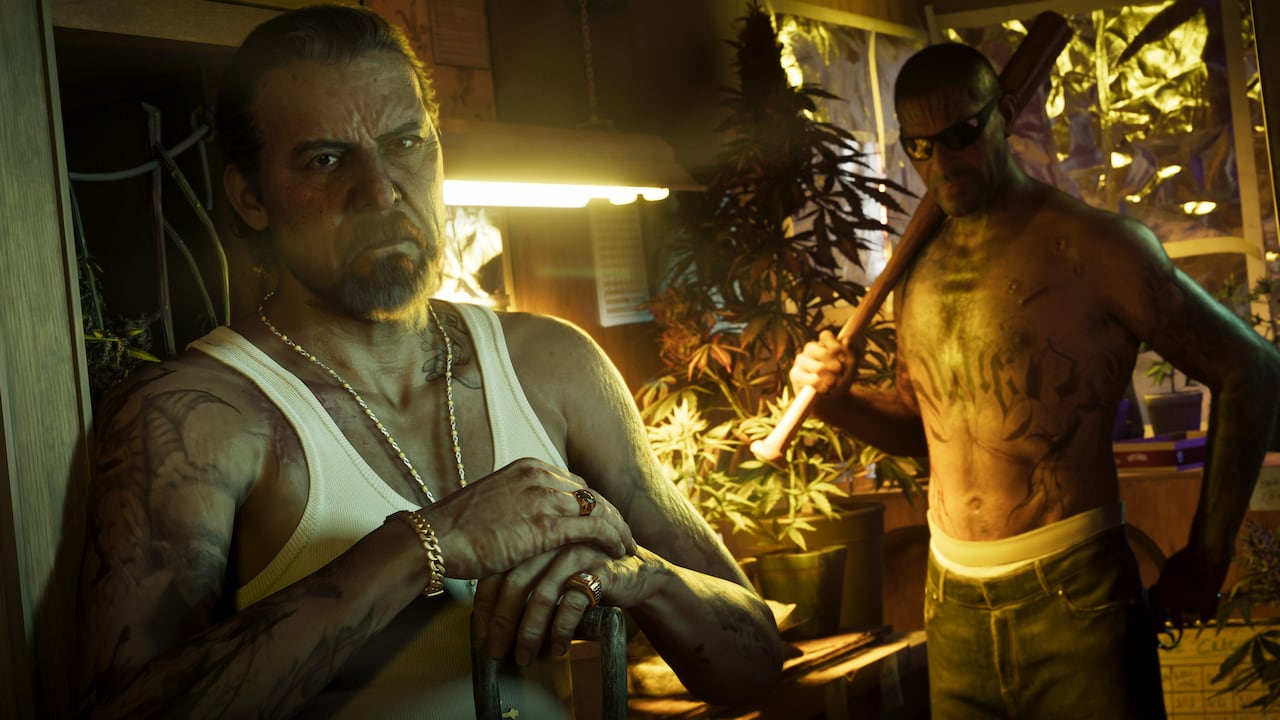
Choosing between platforms? Compare GTA 6 on Xbox and PS5 for console support, cloud access and download codes.
Series S is a supported native console
The official Xbox product page lists Xbox Series X|S as the game's platforms. Xbox Wire specifically describes Series S as a way to play GTA 6 natively. Native means the game runs on the console, unlike a cloud session where a remote server runs it.
Do not confuse Series S with Xbox One S. The similar names describe different generations. Xbox One S follows the Xbox One cloud route; Series S supports a local installation. If you are unsure which machine you own, use the console selector.
Buying for a digital-only console
Series S has no disc drive. Purchase a digital version or a compatible download code and redeem it on the Microsoft account you will use. Rockstar says its described boxed GTA 6 release contains a download code rather than a disc, but still read a retailer's exact listing before buying.
Standard contains the game; Ultimate adds the edition upgrade. The base edition is not a different Series S port. See the price and edition comparison to decide whether the extras matter to you.
Prepare storage before you start
Check the game's installation prompt on your own console. Required space can change with patches, language packages and other content. This guide does not repeat a single unverified GB figure as though it applied permanently to every installation.
Review your available storage, remove or move games you can safely redownload, and leave room for updates. Do not delete saves as a substitute for managing large game installations. If you use additional storage, check the console's current instructions for where a Series X|S game can run; storage used for archiving is not automatically suitable for direct play.
If the installation is complete but GTA 6 still closes at startup, follow the Xbox launch troubleshooting guide.
What about frame rate and resolution?
We have not independently measured the current Series S build. No fixed frame rate, resolution or graphics-mode promise is made here. A launch video, a television's refresh rate and a console's theoretical output capability are not interchangeable measures of game performance.
For a useful comparison, look for testing that names the console, game version, mode and scene. Check whether a result refers to a native install or a cloud stream. The latter adds network and video-compression effects.
Cloud is an alternative, not an upgrade
Xbox also supports cloud sessions on Series S in eligible markets. That can avoid a full local game download, but requires separate game ownership and eligible cloud access. Rockstar says the cloud offering uses Series S graphics settings. Streaming does not guarantee better image quality than local play.
Read the storage checklist for installation planning or the cloud guide for the streaming route.
Will GTA 6 fit on a 512 GB Xbox Series S?
Use the free space shown on your console, not the capacity printed on the box. Open the current installation prompt, note the required space and compare it with the free space on the selected drive. If the game already exists on that drive, use Manage game and add-ons to see which files are installed. Updates may need additional working space.
Quick answers
Do I need to delete my saves to free up space?
Start with games you can download again. Keep your saves and check the free space on the selected drive before restarting the installation.
Sources & further reading
Checked 20 November 2026. Store details and availability can change.