OFFICIAL FOOTAGE / UPDATED 20 NOV 2026
GTA 6 trailers: see Leonida in motion.
Choose an official trailer, understand what it shows, and watch directly with Rockstar.
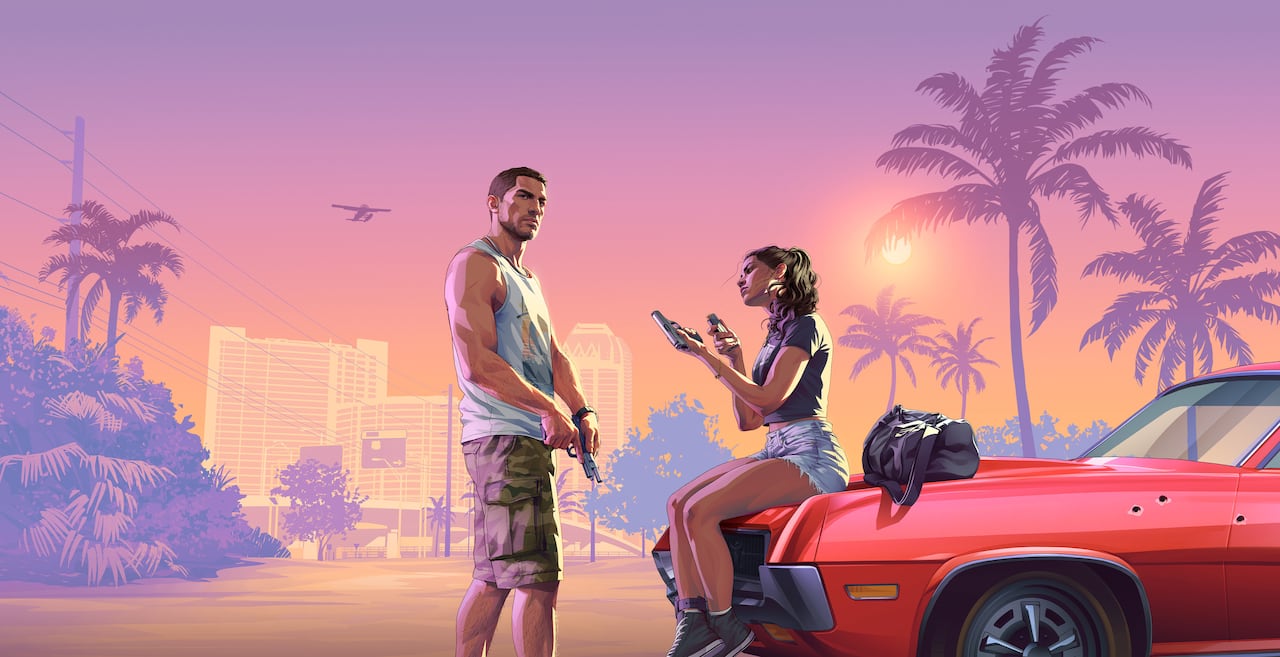
Watch at the official source
Rockstar’s GTA VI homepage is the starting point for the launch trailer, extended look and earlier trailers. Open that page and select the named video. This guide links to the official hub rather than hosting re-uploads or asking you to download a player.
Official launch trailer artwork: Rockstar Games.
Which video should you start with?
| Video on the official hub | Best reason to choose it | Spoiler consideration |
|---|---|---|
| Launch Trailer | A current official introduction to the released game’s tone and story. | Expect selected story scenes. |
| An Extended Look | More time with Rockstar’s presentation of the game. | More footage means more details revealed. |
| Trailer 2 | Context for Jason, Lucia and the wider Leonida setting. | Contains story premise material. |
| Trailer 1 | The initial visual introduction to Vice City and Leonida. | Useful if you want the earliest reveal first. |
The official hub also includes an Out Now video. Labels and available videos can change, so the source page is the best place to confirm the current selection.
A short route through the footage
If you only want an overview before playing, choose one official trailer and stop there. If you enjoy following how the game was introduced, watch Trailer 1, then Trailer 2, and then the newer material. There is no gameplay requirement to watch any of them.
Use our character guide after the footage if you want to put names to the central people. The Leonida region guide provides a visual reference for the places. Neither requires you to read mission outcomes.
What a trailer can and cannot tell you
Trailers are selected presentations. They can establish names, atmosphere and scenes that Rockstar chooses to show, but they are not a benchmark for your Xbox. Compression, capture settings, editing and your display can all affect what you see.
Do not use a trailer alone to promise frame rate, resolution, install size, a complete activity list or the accessibility of every visible building. For console compatibility, use the official Xbox listing and our Series X or Series S guide.
Avoid unofficial download prompts
You do not need a fan-site launcher, activation utility or browser extension to watch Rockstar’s videos. Follow the official link above. This site does not host GTA VI and does not distribute game files, keys or modifications.
If you would rather avoid story footage entirely, head to the first-session checklist. It covers account, installation and comfort settings so you can prepare the console without watching a story preview.
Sources & further reading
Checked 20 November 2026. Store details and availability can change.